Today I was having some fun in Photoshop. Take the colors from a classical painting and apply them to a photograph. Below is an autumn photograph from New England, a Monet painting and the resulting mashup.


Using Photoshop CS it is a very easy process. Load the painting and your photograph. Put your photo in focus and then select Image … Adjustments … Match Color from the toolbar. From the Source dropdown, select the painting and click OK. That’s it. You’re finished.
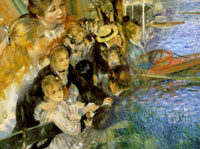
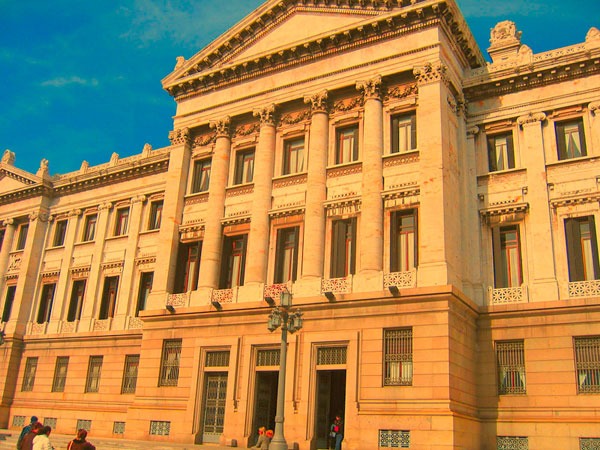
Montevideo, Uruguay Meets Renoir
The first photo is a building I photographed in Montevideo last summer. The second is a classic Renoir painting. And the third is the Photoshop mashup of the two.

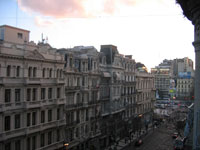
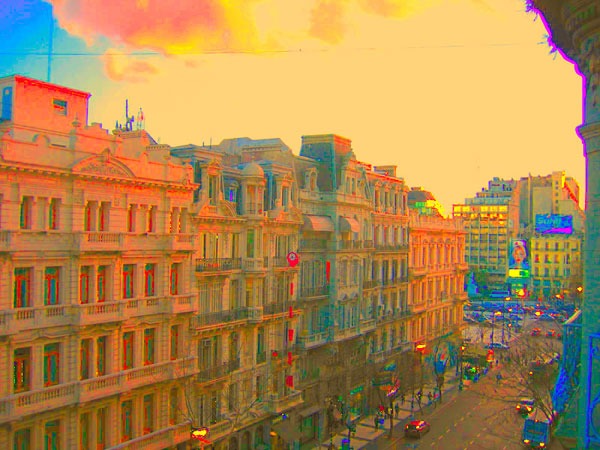
Buenos Aires Meets Matisse
After leaving Uruguay, I went to Argentina and took the first photo. The second image is a Matisse painting. And the third is their hybrid.

Comments
Shirley
April 28 at 2010 at 7:59 PM
May we use your Monet mashup autumn image in our alumni newsletter? We will give you credit and provide a live link to your website in our online version.
Thank you
MAS
April 28 at 2010 at 8:37 PM
Yes. Go ahead. Send me a link when it is live. Thanks.